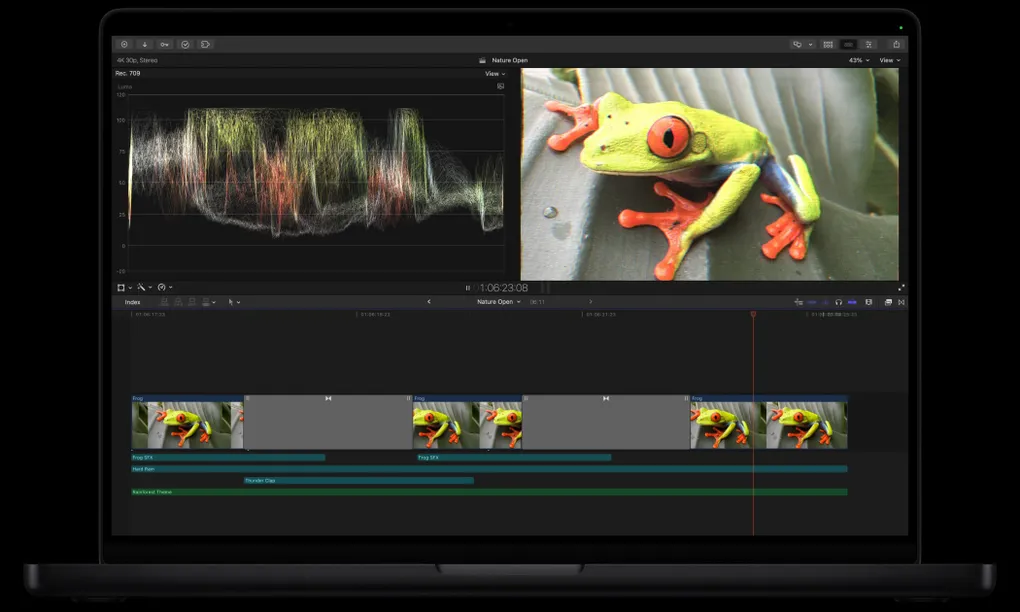
An uncertain journey through the world of video editing (Final Cut Pro)
Let me be very clear that I’m not an expert in video editing, nor in Final Cut Pro
TL;DR: This summary will help you get into this world. I practically said nothing, you can keep reading below.
My Choice: Final Cut Pro
I started experimenting a bit with editing but using a free app. Not even two hours had passed and I found it had many limitations. So many that it was necessary to pay for more features. The point is that I’m just starting to learn about editing and I didn’t mind starting without paying.
The application I’m talking about is CapCut. But it has a fairly complex privacy policy. Reading this publication from Marketing4Ecommerce in detail, and I quote:
“In its legal text, the platform establishes that any content created or uploaded to its servers is considered non-confidential, and that by using the service, the user grants an irrevocable, worldwide, free, transferable and sublicensable license for the company and its partners to use that material.”
Not only this, but in case of rights issues, CapCut completely distances itself from any legal responsibility and transfers the entire burden to the content creator.
Given this, before doing any maneuver that could harm me (years of safety first) I decided to download the 3-month trial of Final Cut Pro.
How to access the 3-month trial?
Simply, by clicking on this link Trial Download. I downloaded it a couple of days ago and now I’m starting to take my first steps.
The new novelty
A few days ago Apple launched Creator Studio. It’s a subscription plan of 12.99 USD/month that includes everything you need to become an artist (bring out your inner Rothko). You can still buy the apps separately, (have them forever), but the subscription adds important features to the whole package.

That one above is a photo of a package, but the other package, the app bundle, consists of:
- Final Cut Pro
- Logic Pro
- Pixelmator Pro
- Keynote (with AI)
- Pages (with AI)
- Numbers (with AI)
- Freeform (with AI)
- Motion
- Compressor
- MainStage
It can be activated starting January 28, 2026 and I’m going to give it a try. Most likely I’ll be growing some seedlings for each one in my digital garden.